Features
Everything You Need to Never Miss a Call or Text
Powerful AI that answers calls and texts, books jobs, and keeps your business running — even when you can't pick up the phone.
Up and running in minutes
BUILT FOR HOME SERVICE PROFESSIONALS
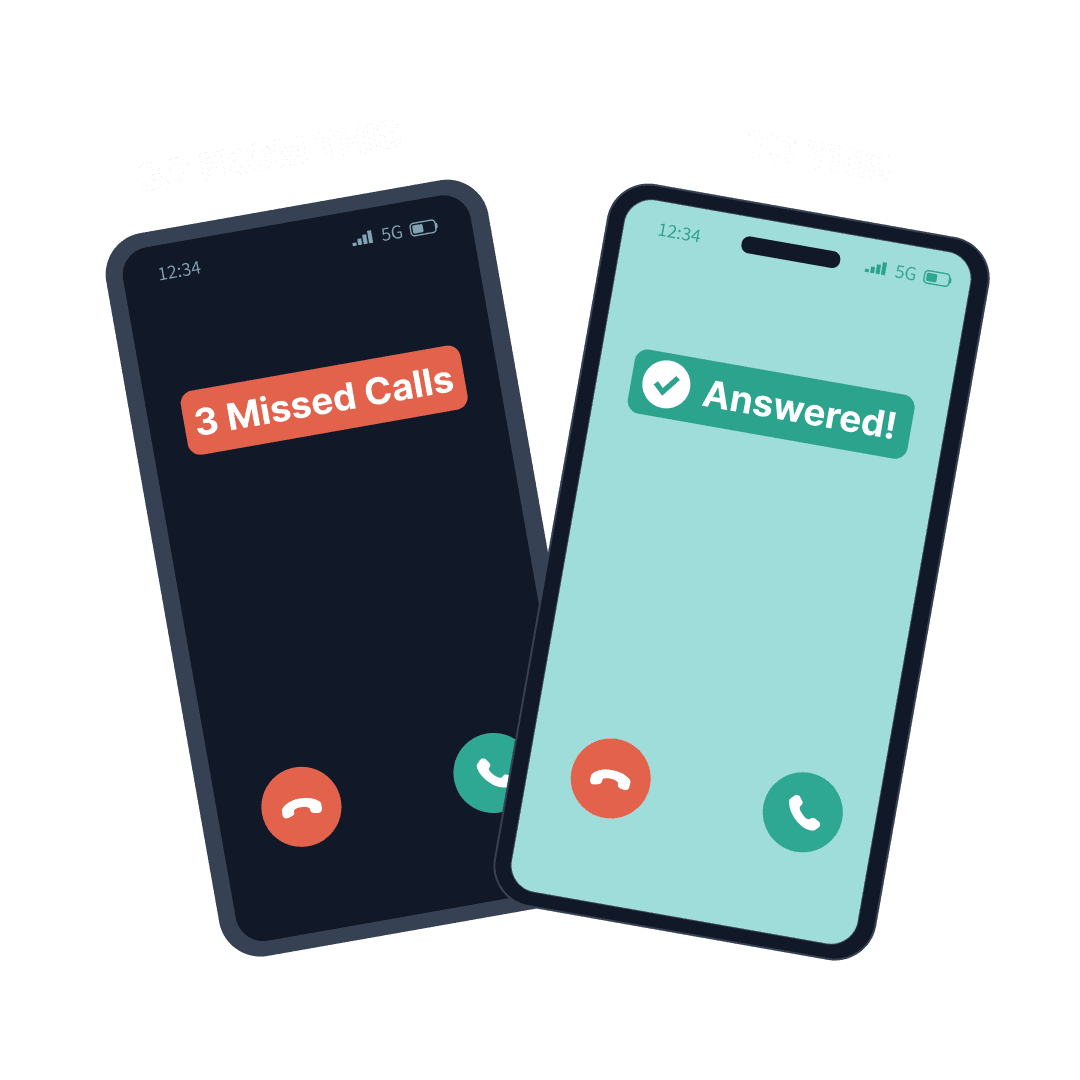
Never Miss Another Call or Text
Your business doesn't sleep, and neither does Cira. Every call gets answered instantly and every text gets a reply — nights, weekends, holidays — so you never lose a lead to voicemail or an unanswered message again.
- Answers calls in under 2 seconds — faster than any human
- Handles incoming texts with two-way AI-powered SMS conversations
- Works nights, weekends, and holidays — with separate after-hours greetings
- 80% of callers won't leave voicemail — Cira captures them all
Appointment Booking
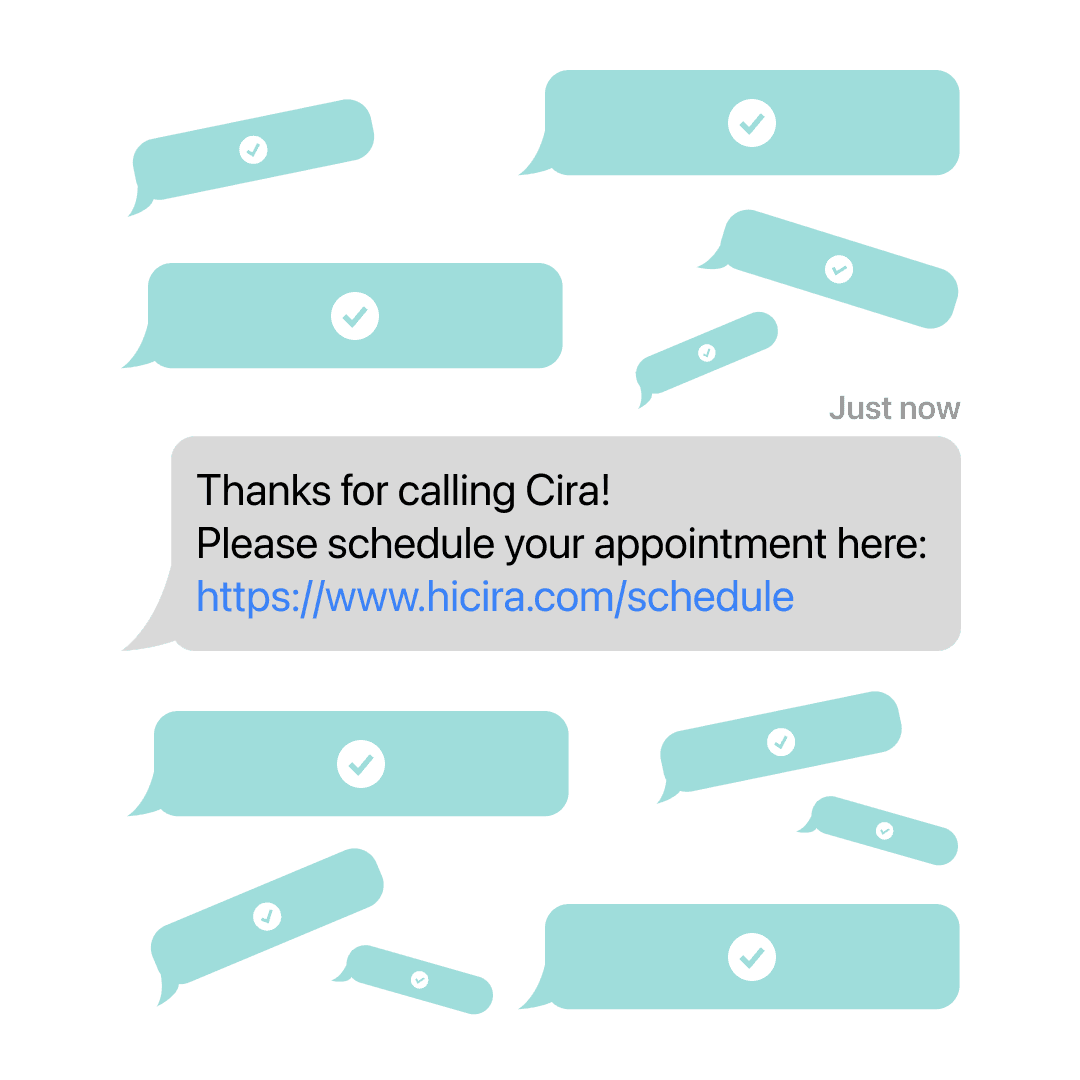
Turn callers into customers automatically. Cira books directly on your calendar. It syncs with Google Calendar and Outlook, so it only offers times you have open. Cira can also text a scheduling link so customers can book from their phone while you focus on the work.
Call Recordings & Transcripts
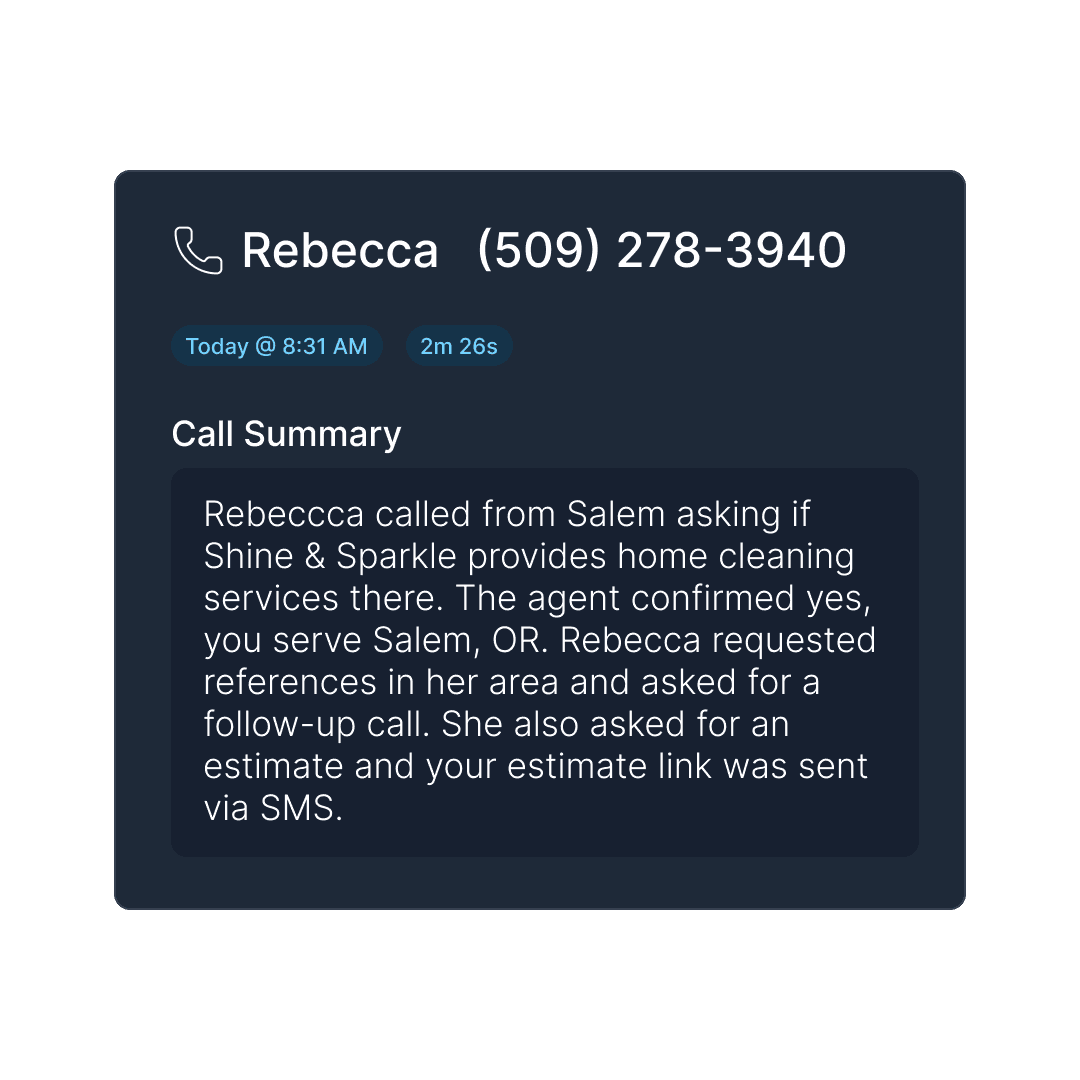
Get the full picture of every conversation. Listen to high-quality audio recordings or read accurate transcripts to verify details and train your team.
Call Inbox
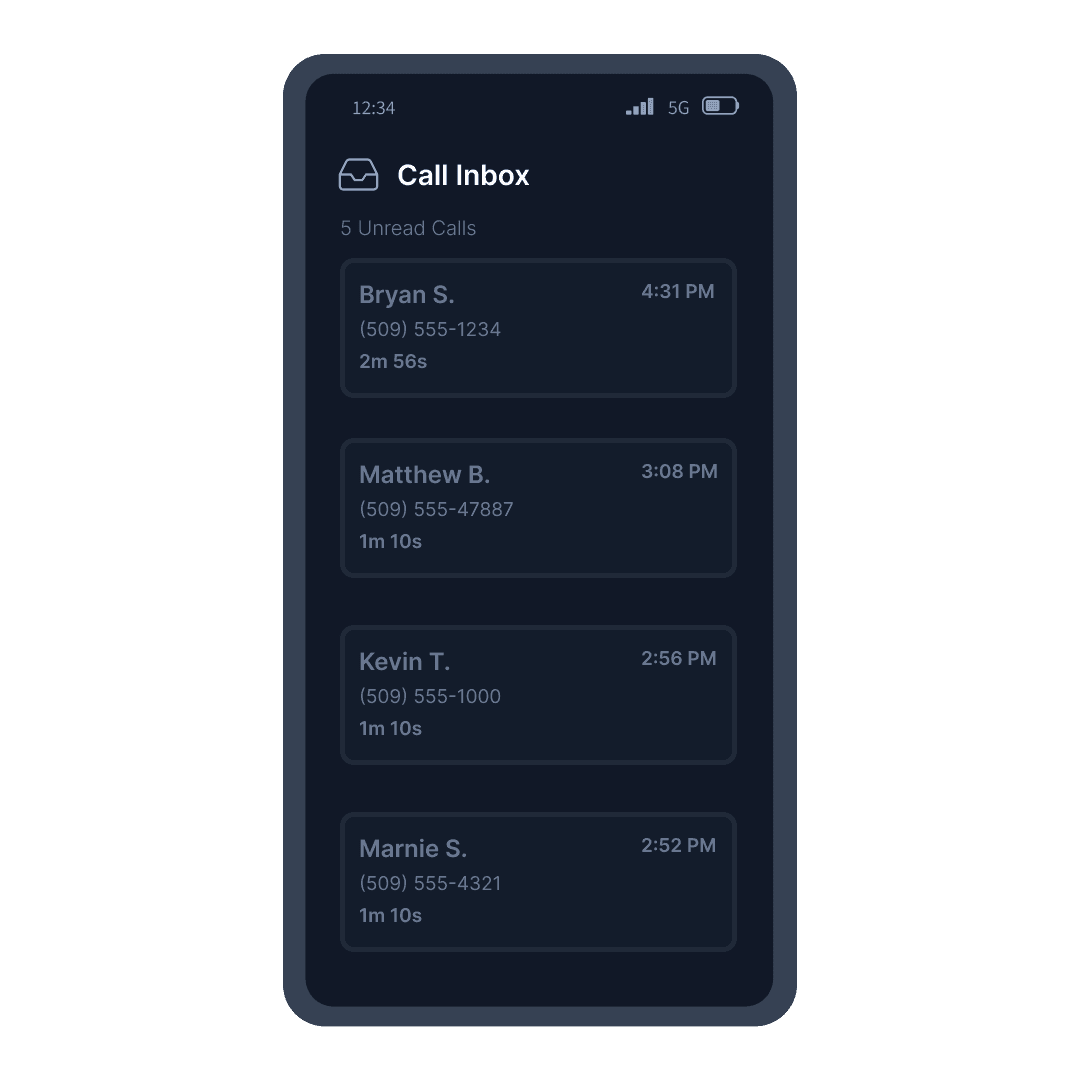
Keep all your business calls and texts in one organized place. The design is clean and simple, and you can use it in light or dark mode. View call history, listen to voicemails, and manage leads without cluttering your personal phone.
Ask Cira
Ask Cira is the AI assistant built into the Cira app. Just type what you need. Change your hours, add or update an FAQ, or edit your greeting. Look up a customer or a booking. Results show up as cards right in the chat, and Cira opens a new page only when you ask. Give a call a thumbs-down and Cira tells you what likely went wrong, then offers to open the right settings page.

Message Taking
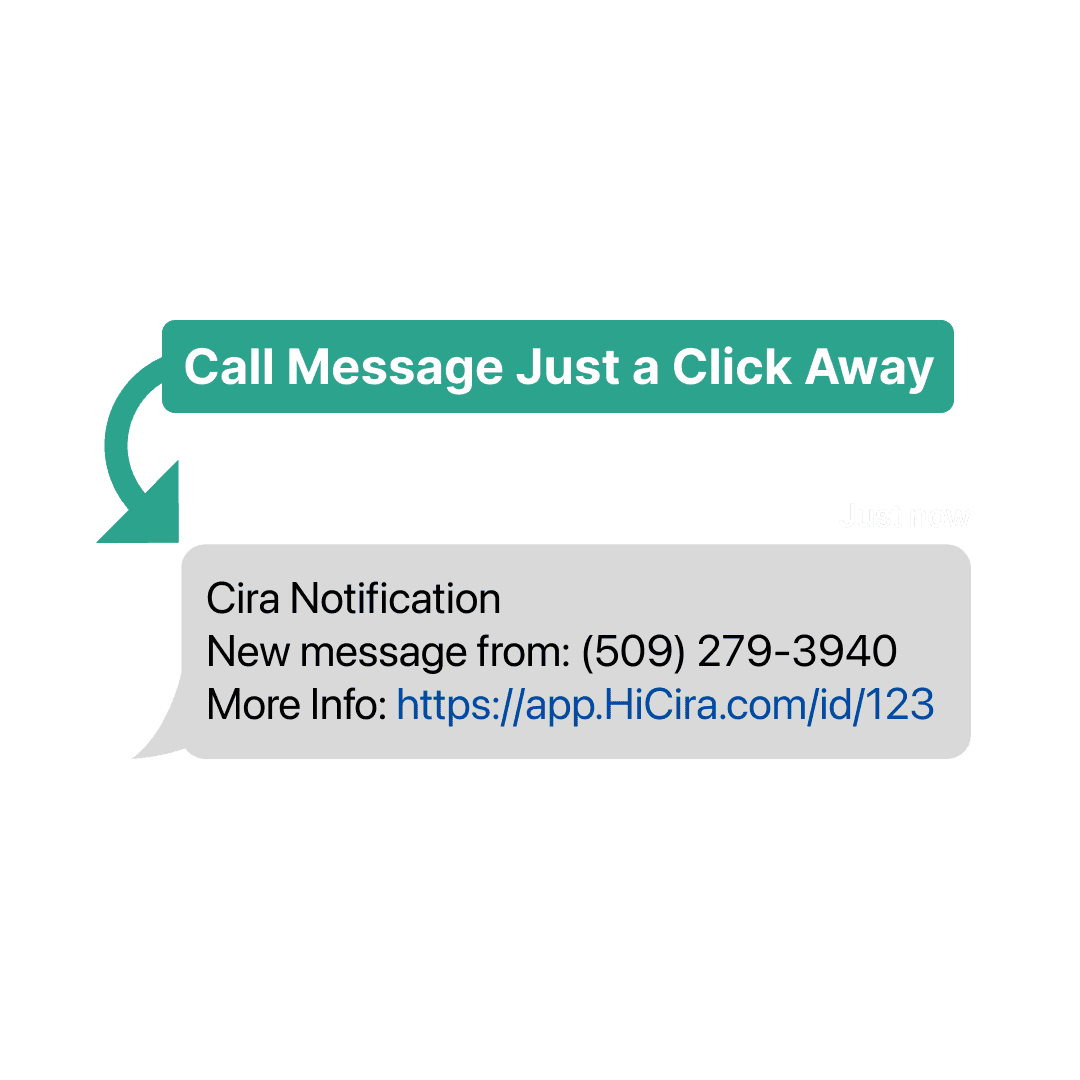
Ensure every message is captured accurately. Cira takes detailed notes and forwards them to you, so you can prioritize urgent callbacks.
AI-Powered CRM
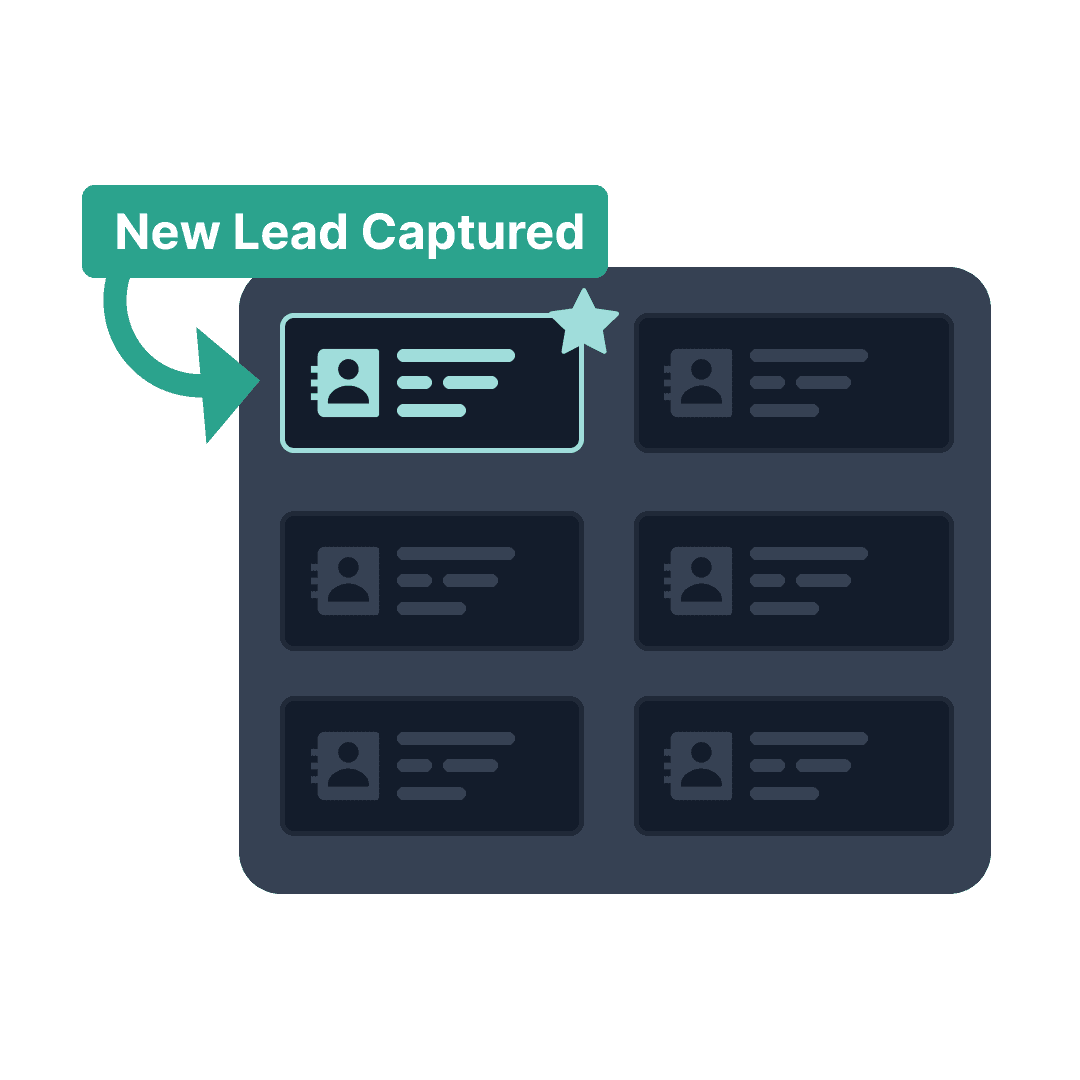
Every lead, organized automatically. Cira's built-in customer relationship management (CRM) system keeps a record for each person who calls, texts, or chats on your website. It saves the details callers give, like their email and service address. That now includes details from the end of a long call. That's often when callers confirm their email or address. It keeps apartment and unit numbers, and it won't add the same service address again when a customer calls back. Each account page shows their calls, bookings, and follow-ups in one place.
Follow-ups
Follow-ups is your team's to-do list in the Cira app. Add callbacks and next steps with the New follow-up button. Tabs for Mine, All open, Overdue, and Done keep things sorted, and there's a summary at the top. Every row has a Mark done button. A customer's follow-ups also show on their account page, next to their calls and bookings. This is separate from Follow-up Questions, which Cira asks callers on the phone.
Knowledge Base Documents
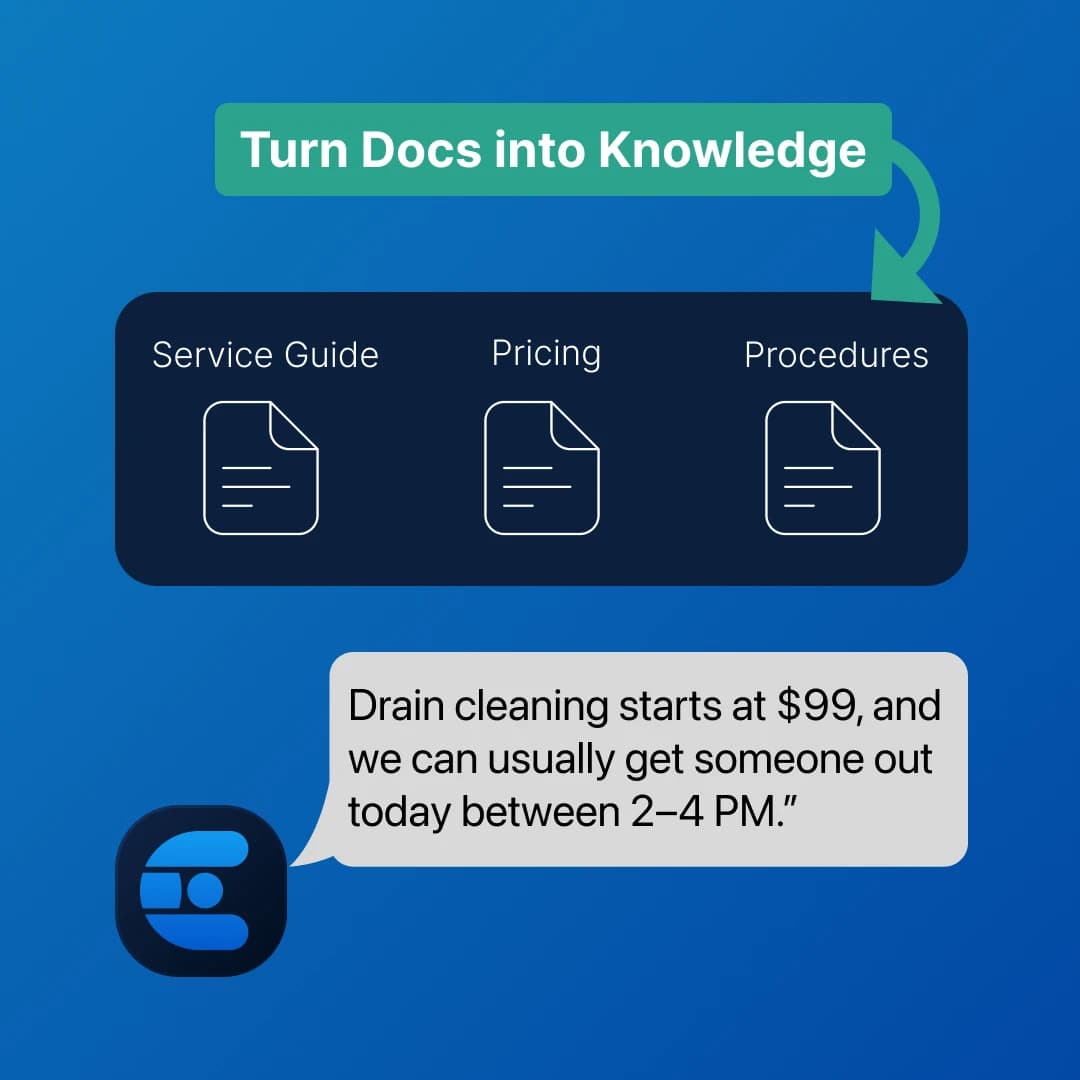
Upload your service guides, pricing sheets, policies, and troubleshooting docs, and Cira uses them to answer caller questions in real time. Supports PDF, Word, text, and markdown files up to 10MB each. Available on Growth & Pro plans.
Multiple Phone Numbers
Set up more than one receptionist for the same location. Give sales and support separate numbers, greetings, and call-forwarding rules, with inbox filtering by receptionist. Available on Growth & Pro plans.
Follow-up Questions
Have Cira ask callers important questions on the phone for you, like how they heard about you or who their insurance provider is. Add up to 10 questions, turn each one on or off, and set when they should be asked. Available on all plans.
Works With Your Other Tools
Connect Cira to the rest of your tech stack with our REST API and webhooks. Push call data, contacts, and booking notifications into Zapier, Make, your CRM, or any application that supports webhooks. If it has an API, Cira can talk to it.
All the Tools You Need, One Simple Platform
No complicated setup. No technical skills required. Just connect and start capturing more leads.
Ready to Capture Every Lead?
Start your 7-day free trial today. No contracts, cancel anytime.
One booked job pays for the entire year