A clearer dashboard and message-taking built around your jobs
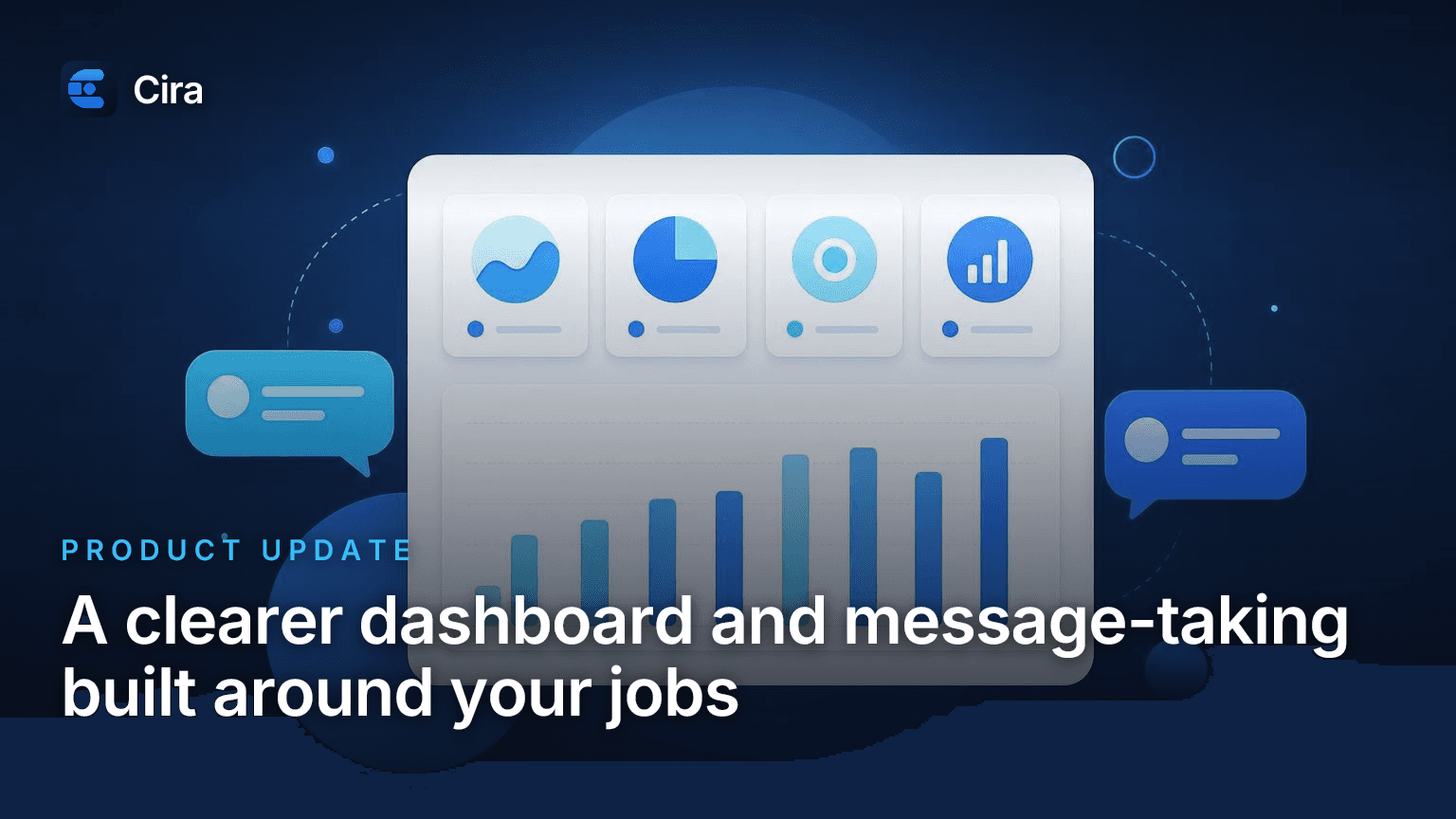
Cira's new dashboard shows what needs you, what's booked, and what's coming up — plus message-taking built around the kind of call it's on.
When you log in to Cira, you want one thing fast: to know what needs you. Over the last couple of weeks we rebuilt the dashboard around that, and we gave Cira a smarter way to take messages. Here's what's new and why it helps you book more jobs.
A dashboard that shows what needs you first
The first thing you see now is a "Needs attention" panel. It pulls together the calls you shouldn't let sit — voicemails, calls Cira forwarded, unread messages, and anything flagged for follow-up. One tap takes you straight to that call. No more scrolling your whole inbox to find the lead worth a callback.
Right next to it are quick snapshot cards. See how many jobs got booked in the last 30 days and how much of your plan you've used this period, without digging through menus. You get the shape of your business at a glance.
There's also an "Upcoming bookings" panel, so the jobs on your calendar are right there when you open the app. New bookings you haven't looked at yet get marked, so nothing sneaks past you.
And when you check your recent call activity, you can now change the time range. Look at the last day, the last week, or go all the way back over the past year. It's easier to spot your busy stretches and slow ones, so you can plan your days around them.
Less time hunting. More time on the work that pays.
Message-taking built around the kind of call
Not every call is the same. A brand-new job quote needs different details than a current customer with a quick question. Until now, Cira asked the same set of questions no matter who called.
Now you can set up message-taking scenarios. Think of each one as a different kind of call — a new quote, a service question, a general message, whatever fits your business. For each scenario, you tell Cira which details to collect, like the caller's name, their number, their address, and any questions you always need answered.
When Cira takes a message, it picks the scenario that fits the call and gathers the right details for that one. So the message you get is complete and matches what the caller actually wanted.
The payoff is fewer callbacks to fill in the blanks, and a message you can act on the first time you read it. You get the full story, sorted the way you work.
Everything above is live in your account right now. Log in and take a look.
Ready to Never Miss a Call?
7 days. Cancel anytime.
Let Cira answer your calls and book jobs while you work.