A fresh new look, a better Ask Cira, and cleaner customer records
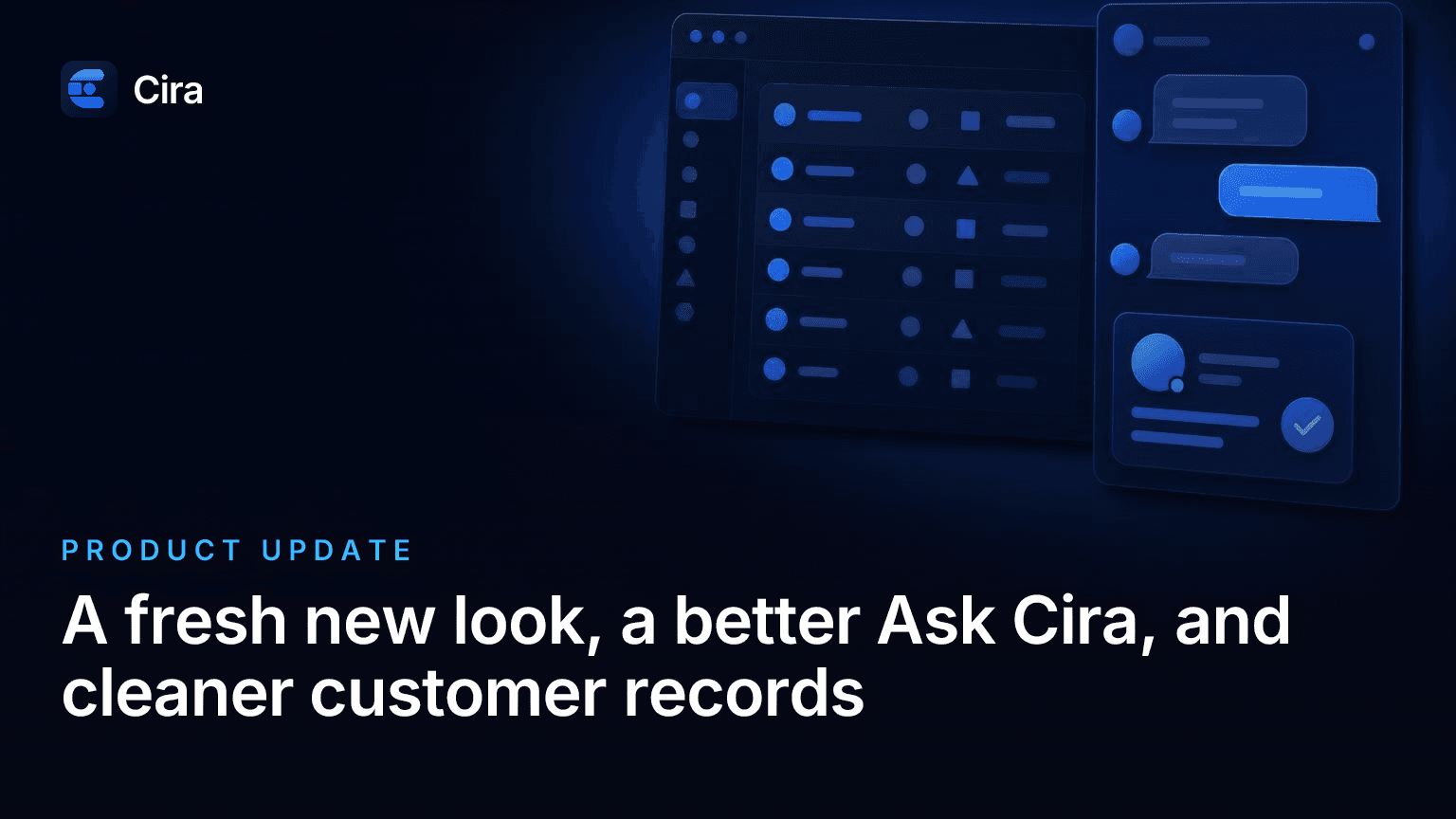
The Cira app has a cleaner, simpler design. Ask Cira has a new chat panel, and Cira now saves more accurate customer details from your calls.
You open Cira between jobs. You want to see what needs you, deal with it, and get back to work. Our latest update makes that easier. The app has a cleaner look, Ask Cira has a new chat panel, and Cira saves better customer details from your calls.
A cleaner app that's easier to read
We redesigned the navigation, the Dashboard, and the Inbox so they're simpler to scan. The app also opens in a light theme now.
Like dark mode better? You can still pick it in Settings → Profile → Appearance. Your choice is saved per device, so your phone and your computer can each have their own look.
The new design runs through the rest of the app too:
- Accounts: The list is easier to scan. Each status shows as a colored dot with a word. On an account page, calls, bookings, and follow-ups sit in tidy lists.
- Settings: Every page has the same layout, with one Save changes button per form. We refreshed Profile, Organization, Team, Billing, CRM, and all your receptionist settings.
- Getting started: If your account isn't live yet, the Dashboard setup cards are new. Phone setup options are now cards you can select. Booking, login, onboarding, and mobile have the new look too.
A team to-do list that's easier to keep up with
A callback you forget can be a job you lose. So we made Follow-ups, your team's to-do list in the app, easier to work through.
It now has tabs for Mine, All open, Overdue, and Done. There's a summary at the top and a Mark done button on every row. You can see what's yours and what's late, then check it off when it's done.
We also changed one name. "New Task" is now "New follow-up." This list is separate from Follow-up Questions, which are the questions Cira asks callers on the phone.
A new chat panel for Ask Cira
Ask Cira is the AI assistant built into the Cira app. You type what you need, and Cira helps you get it done. This update makes those chats easier to read and easier to trust.
- New chat panel: Your messages appear in bubbles. Cira's replies use the full width so result cards fit. Rename and delete are easy to reach on a touch screen.
- Result cards are back: Account searches, account details, bookings, business hours, and FAQ changes show as cards in the chat again.
- Cleaner FAQ edits: When you add or update an FAQ, Cira shows only the result. You won't have to scroll past your whole FAQ list.
- No surprise page changes: Cira opens a page only when you ask. It no longer says it opened a page when it didn't, and pages no longer switch partway through a reply.
- Better call feedback: Give a call a thumbs-down, and Cira explains what likely went wrong. Then it offers to open the right settings page. You stay on the call while you read.
We fixed two small things as well. The typing indicator now stays on screen until the reply appears. And the button name Cira tells you to click matches the button on the card.
More accurate customer records from your calls
Your customer list only helps if the details are right. A bad address can send you to the wrong door. A missing email can cost you a follow-up. So we fixed how Cira saves what callers tell it.
- Details from the end of long calls are now saved. That's usually when callers confirm their email or address.
- Repeat callers no longer get a duplicate Service Address after every call.
- Apartment and unit numbers are kept.
- Addresses with a comma after the house number now save correctly. "412, Elm St" is a good example.
You spend less time cleaning up records, and you can trust what's on the account when you call back.
Smaller fixes
We also cleaned up a few rough spots:
- Errors and confirmations now appear as in-app messages and dialogs instead of browser pop-ups.
- Three actions used to fail without any message. Going live from the Dashboard, saving your phone number there, and loading more calls on an account now show an error if something goes wrong.
- Call forwarding settings no longer get squeezed when the Ask Cira panel is open.
- The API help page now links to the interactive API reference.
We also strengthened protections for accounts, data, and billing across the platform.
Everything above is live in your account right now. Log in and take a look. Want the short version? It's all in the release notes.
Ready to Never Miss a Call?
7 days. Cancel anytime.
Let Cira answer your calls and book jobs while you work.