A Guide to Forwarding Calls to Your Cell Phone for Small Business
How to forward calls to another phone or cell in minutes. Step-by-step guides for iPhone, Android, landline, and business systems.
Sending calls to your cell phone is a big help. It is a simple tool that lets you move calls from one number—like your office phone—to your cell phone. This means you can take work calls anywhere. You can be at a meeting or on a job. It is an easy way to stay in touch and not miss calls.
Why Every Missed Call Costs Your Business Money
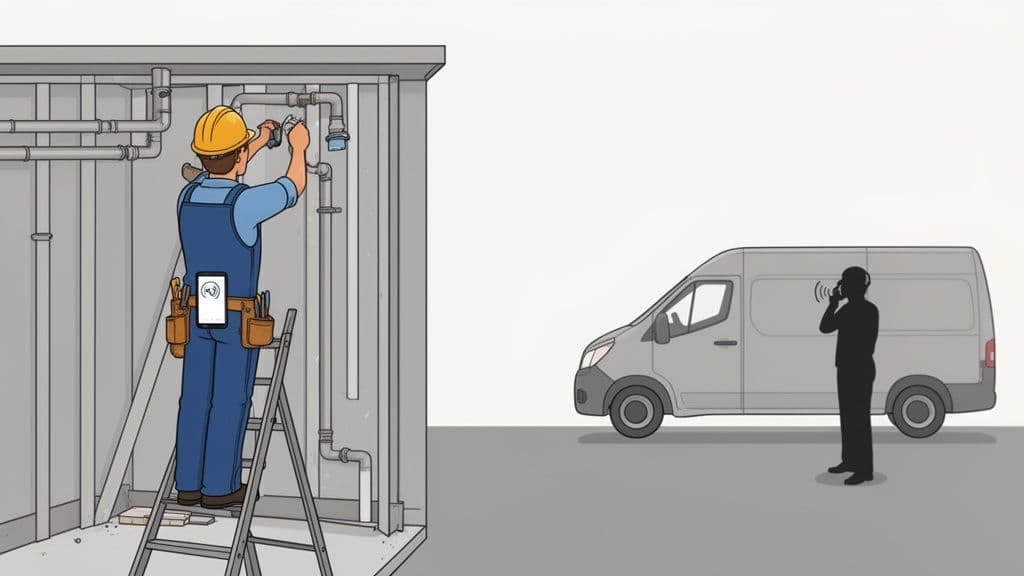
For a small business, a ringing phone is a chance to make money. But what if you can't answer? If you are on a ladder or in a meeting, the call goes to voicemail. A missed call is often lost money.
Think about this: a plumber is fixing a pipe. A new customer calls with a big problem. Their basement is flooding. The plumber can't answer the phone. The caller hangs up and calls the next plumber on the list. Just like that, a job worth hundreds of dollars is lost.
The Real Cost of Not Answering
This happens every day. When a customer needs help right away, they will not wait. They will find someone who answers the phone now. Setting up call forwarding is the best way to stop this from happening.
By forwarding calls to your cell phone, you are always ready to answer. It helps you get new customers, even when you are busy. It is a small change that helps you look professional and ready to help.
For one person or a small team, being easy to reach is a big plus. You can win jobs by answering when bigger companies can't.
Meet Customers Where They Are
Most people use cell phones. In fact, 98% of Americans own a cell phone. Your customers expect to reach you on the devices they use every day. This makes forwarding calls to your cell phone a must-do for your business.
Setting up call forwarding is key to growing your business. It helps you get more work, give better service, and look professional no matter where you are. You might also want to get voicemail to email to make it even easier to handle your calls.
How to Forward Calls on Your iPhone or Android
Need to make calls to one phone ring on another? It's easy to set up call forwarding on your phone. If you have an iPhone or an Android, you can send calls to a different number in a few minutes. This is great when you need your work calls to reach your personal phone or a coworker's phone.
You don't need to be a tech expert. Phones have these settings built-in. You just need to know where to find them.
Setting Up Forwarding on an iPhone
On an iPhone, the call forwarding button is in your settings. It is easy to find.
Here is what you do:
- First, open the Settings app.
- Scroll down and tap on Phone.
- Find Call Forwarding and tap it.
- You will see a switch. Tap it to turn it on.
- Tap on Forward To and type in the full phone number you want to send calls to.
That's all. Your iPhone will now send all calls to that new number. To turn it off, go back to the same screen and tap the switch off. It's that easy.
Finding Forwarding Settings on Android
Android phones can be a bit different. Menus change on phones from Samsung or Google. But the steps are mostly the same. You almost always start in your Phone app.
For most Android phones, like Google Pixel, do this:
- Open your Phone app (the one you use to call).
- Tap the three-dot menu icon, usually at the top right.
- Choose Settings, then look for Calling accounts.
- Pick your phone company (like T-Mobile or Verizon), then tap Call forwarding.
- There, you can type in the number to send calls to.
If you have a Samsung phone, it's a little different. After tapping the three-dot menu in the Phone app, go to Settings and then find Supplementary services. The Call forwarding option is there.
Using Carrier Codes to Forward Calls Fast
Sometimes, you don't have time to look through menus. The fastest way to forward calls is to use special codes. You type them into your phone's dial pad. These codes are like commands for your phone company.
I find this very helpful for people who are always busy, like a builder on a job. You can turn forwarding on or off in seconds. You will never miss a client call because you are away from your main phone.
These codes work with most big phone companies.
Quick Call Forwarding Codes for Major Carriers
Use these codes in your phone's dialer to manage call forwarding.
| Action | Code to Dial |
|---|---|
| Turn On Call Forwarding | *72 then the 10-digit number |
| Turn Off Call Forwarding | *73 |
To use them, open your phone's dialer, type the code (like *725551234567), and press the call button. You will hear a tone or see a message that it worked. This is a quick trick for forwarding calls to your cell phone when you're on the go.
Choosing the Right Call Forwarding Type for You
Call forwarding has different types. To make it work best for you, it helps to know the two main kinds. One sends all your calls to another number. The other only sends them some of the time.
The choice depends on what you need. Do you want a simple on/off switch? Or do you want a smarter system that changes based on what you're doing?
This simple chart can help you pick the best way, for an iPhone or an Android.
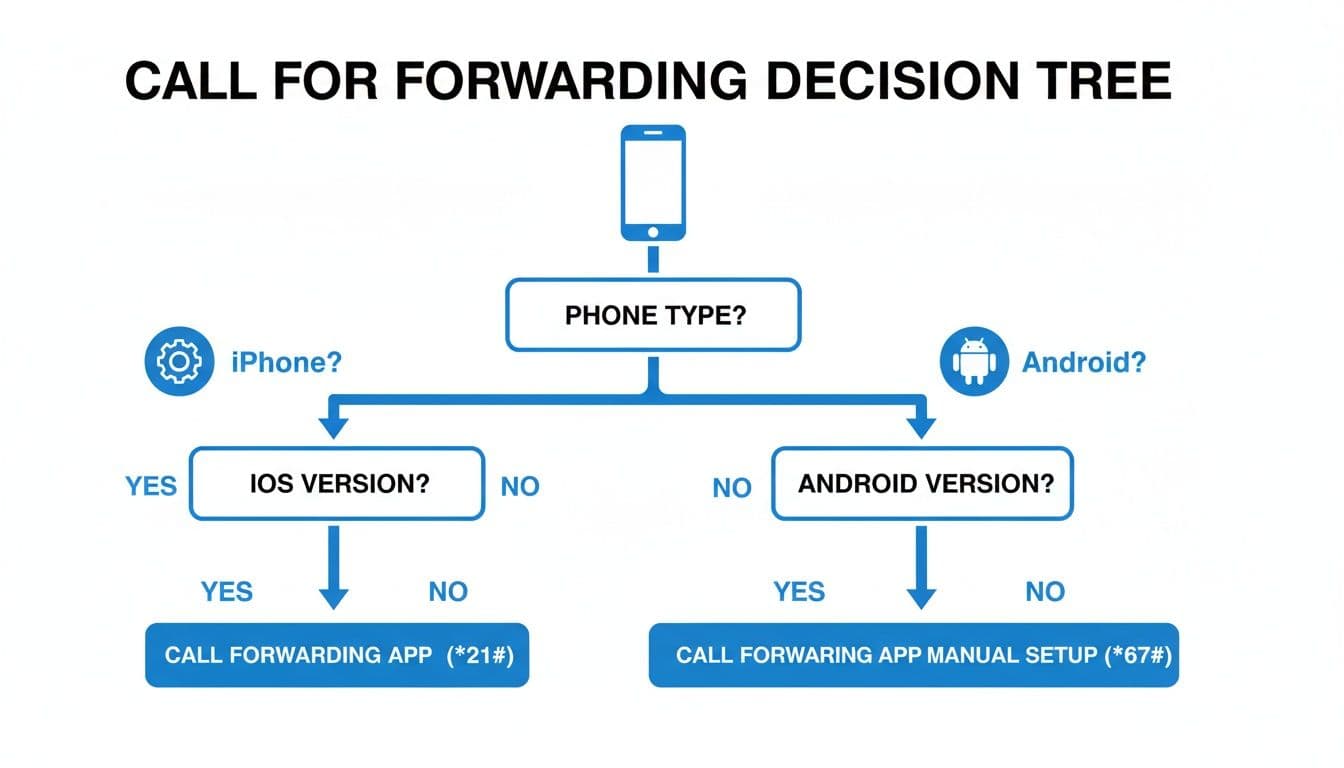
As you see, both phones have easy ways to set it up in your settings or with codes.
Unconditional Call Forwarding
The simplest choice is unconditional call forwarding. Think of it as a detour for all calls. Once you turn it on, every call to your main number goes right to your cell phone. Always.
This is best when you know you can't answer your main phone for a while.
- You're on vacation: Send your office calls to a coworker so clients get help.
- You're working away from the office: If you're a builder on a job all day, send all your work calls to your cell.
This way is great because it's simple. You set it and don't worry. You know every call will be answered.
Conditional Call Forwarding
If you need more options, conditional call forwarding is for you. Instead of sending all calls, you can make rules. Calls are only sent when certain things happen. This makes call forwarding a smart helper for any busy person.
Let's say you're an electrician doing a hard job. You can't be stopped by every call. But you can't miss a call from a new client.
With conditional forwarding, you can set rules like:
- When Busy: If you're on a call, the next call goes to another line. It could go to your helper or a voicemail. You won't miss a chance because your line was busy.
- When Unanswered: The phone rings a few times at your desk, but you can't get it. After 4 or 5 rings, the call goes to your cell. This gives you a chance to answer at your desk first.
- When Unreachable: If your phone is off or has no signal, calls go right to a number that works. Problem solved.
This works like a safety net. It makes sure you get important calls without your cell phone ringing all day. To learn more, see how conditional call forwarding works and how to set rules for your needs.
When Basic Call Forwarding Just Isn't Enough
Sometimes, simple call forwarding is not enough. It's a great tool to make sure you don't miss calls. But as your business grows, you'll need more.
If you feel like you need more, it might be time for a virtual phone system.
These systems use the internet to make calls (called VoIP). They are great for small businesses. They don't just send calls to your phone. They give you a full phone system in the cloud. It can make your small business sound like a big company.
Moving Beyond a Simple Redirect
A virtual phone system gives you a work number you can control from anywhere. Think about it: one number can ring your cell, your home phone, and your tablet at the same time. A free service like Google Voice is a good example. It gives you a work number that follows you on all your devices.
This is a big deal. It means you can stop giving your personal cell number to everyone. You can keep your private life private but still be there for work.
The best part is the extra tools you get. You can set up a custom greeting for every caller. This makes your company sound more professional. A professional IVR and Messages On Hold Recording can make callers feel welcome and help your business run better.
The biggest win with a virtual system is control. You pick when and how calls find you. This helps you have a better work-life balance and still give great service.
Taking Back Your Evenings and Weekends
One of the best things is setting "business hours." You can tell the system to stop forwarding calls to cell phone after 5 PM. Then, all calls go right to a professional voicemail. No more work calls during dinner.
This makes a clear line between your work time and your personal time. Every small business owner needs that.
You also get other great tools that only big companies used to have:
- Voicemail-to-Email: Voicemails show up in your email as audio files and text.
- Simultaneous Ring: Your work number can ring many phones at once. You or a team member can answer.
- Call Menus: Guide callers with choices like, "Press 1 for sales, Press 2 for help."
Moving to online phone systems is a big trend. The world market for VoIP will reach $96.3 billion by 2026. Today, over 60% of small businesses use it. You can see more VoIP stats and facts on acefone.com.
This upgrade gives your small business the same tools as big companies. It helps you compete and get ahead.
Beyond Forwarding: What If Someone Could Answer For You?
Let's be real, forwarding calls to your cell is a good start. It keeps you connected so you don't miss calls. But it only solves half the problem.
What happens when you are on a ladder, driving, or talking to a client? A forwarded call you can't answer is not much better than a call to an empty office. The customer hangs up and might call someone else. The chance is lost. This is when you need to think about more than just sending calls.
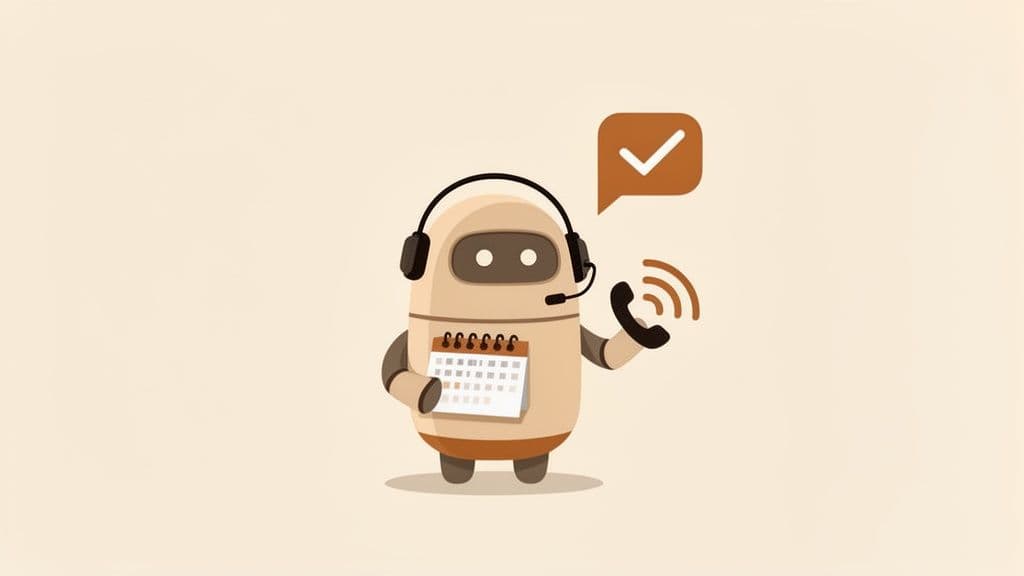
An AI receptionist is the new way to fix this old problem. It doesn't just send the call to you. It answers it for you, every time. Day or night. It's like having a great front-desk person, even if you work alone.
From Ringing to Results
Think of it this way: call forwarding brings the call to your door. An AI receptionist opens the door, says hello, and asks what the person needs. It makes the connection.
Imagine a busy builder on a loud job site. A great new client calls about a big kitchen project. Instead of that call going to voicemail, an AI receptionist answers right away.
- It answers with your brand: The AI greets the caller with a special message that sounds like your business.
- It asks the right questions: You can set it up to ask key questions. "Are you looking for a price on a new project?" or "Is this for a new job or a repair?"
- It acts fast: The AI can then text the caller a link to book a time on your calendar or fill out a form. It gets their information right away.
This simple chat turns a missed call into a booked job. The caller feels cared for, and you get all the details without stopping your work.
Turning Missed Chances into Booked Jobs
This is not just about answering the phone. It's about sorting your calls so you can focus on the work that makes you money. It handles people who are just looking, answers common questions, and books serious clients.
This is a big change in how you handle customer calls. You can learn more about how AI tools can enhance business profitability and see how this can help you.
For any busy worker, a system like this is the best helper. It makes sure every call gets the care it needs. Your business keeps booking jobs and making customers happy, all while you focus on your work. Check out what an https://www.hicira.com/blog/ai-receptionist-for-small-business can do to change how you work every day.
Questions I Hear All the Time About Forwarding Business Calls
Starting to use call forwarding is a great idea for your business. But it's normal to have questions. Let's look at some common questions people ask when they start sending work calls to their personal phones.
Is This Going to Cost Me Extra?
For most people, the answer is "no." Simple call forwarding is usually part of your plan with big companies like Verizon, AT&T, and T-Mobile. You can set it up and not pay extra.
Now, if you get a virtual phone system or a VoIP service, that is different. Those services have a monthly fee. They give you more tools, like a work number, custom greetings, and call menus. It's always a good idea to check with your phone company so you are not surprised.
Will My Customers Know Their Call is Being Forwarded?
No, not at all. The person calling will not know. They dial your work number, and your cell phone rings. To them, it feels like a normal call.
This is what you want to look professional. It seems like you are always at your main work line, even if you are taking the call from a coffee shop.
The best part of call forwarding is that it works in the background. It lets you be on the move without customers knowing you are not at your desk.
Can I Forward Calls to an International Number?
Yes, you can, but you need to be careful. Sending calls to a number in another country with your normal phone plan can be very expensive. You could be charged a lot for each minute.
If you need to send calls to other countries often, a VoIP or virtual phone service is a better choice. These systems are made for calls all over the world and have much better prices.
What Happens to My Text Messages?
This is a very important question. Normal call forwarding is for voice calls only. It will not forward any text messages sent to your work number.
So, if a client sends a text to your main line, it will stay there. It will not show up on your personal cell phone. If you need to get calls and texts from your work number on your cell, you will need a virtual phone system. These services usually have an app that puts everything in one place. That way, you never miss a message, call, or text.
Ready to Never Miss a Call?
7 days. Cancel anytime.
Let Cira answer your calls and book jobs while you work.